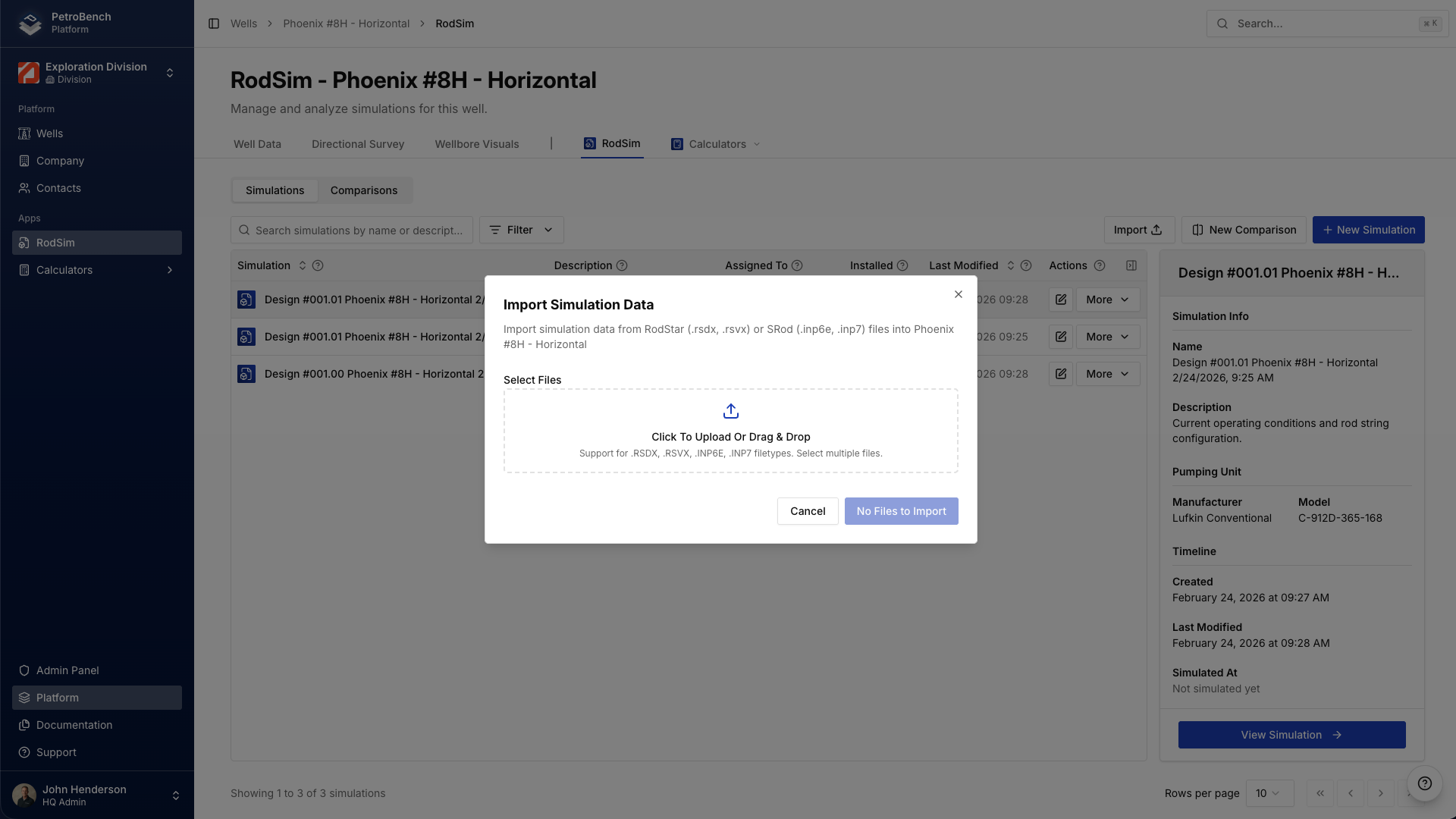
Import
Bring legacy RodStar and SRod files or lake data into the workspace. Rod string and well data load without re-entry.


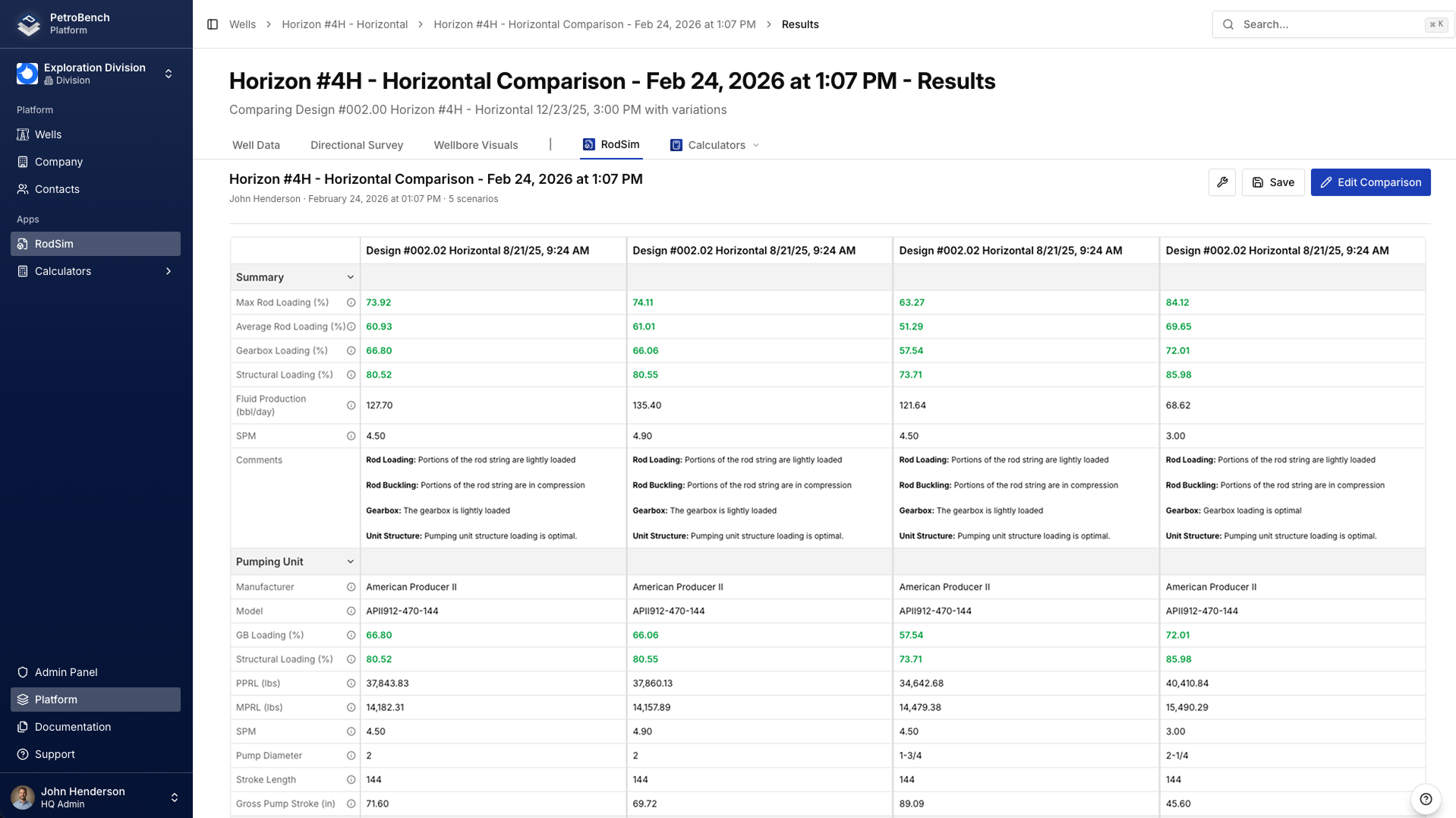
Import the survey, run RodSim, compare up to five designs, and pick the base case, one well record for the team.
The same steps your engineers run today, in a versioned workspace every teammate opens the same way.
Bring legacy RodStar and SRod files or lake data into the workspace. Rod string and well data load without re-entry.
Deviated surveys, side-by-side cases, and a run fast enough to iterate in the meeting.
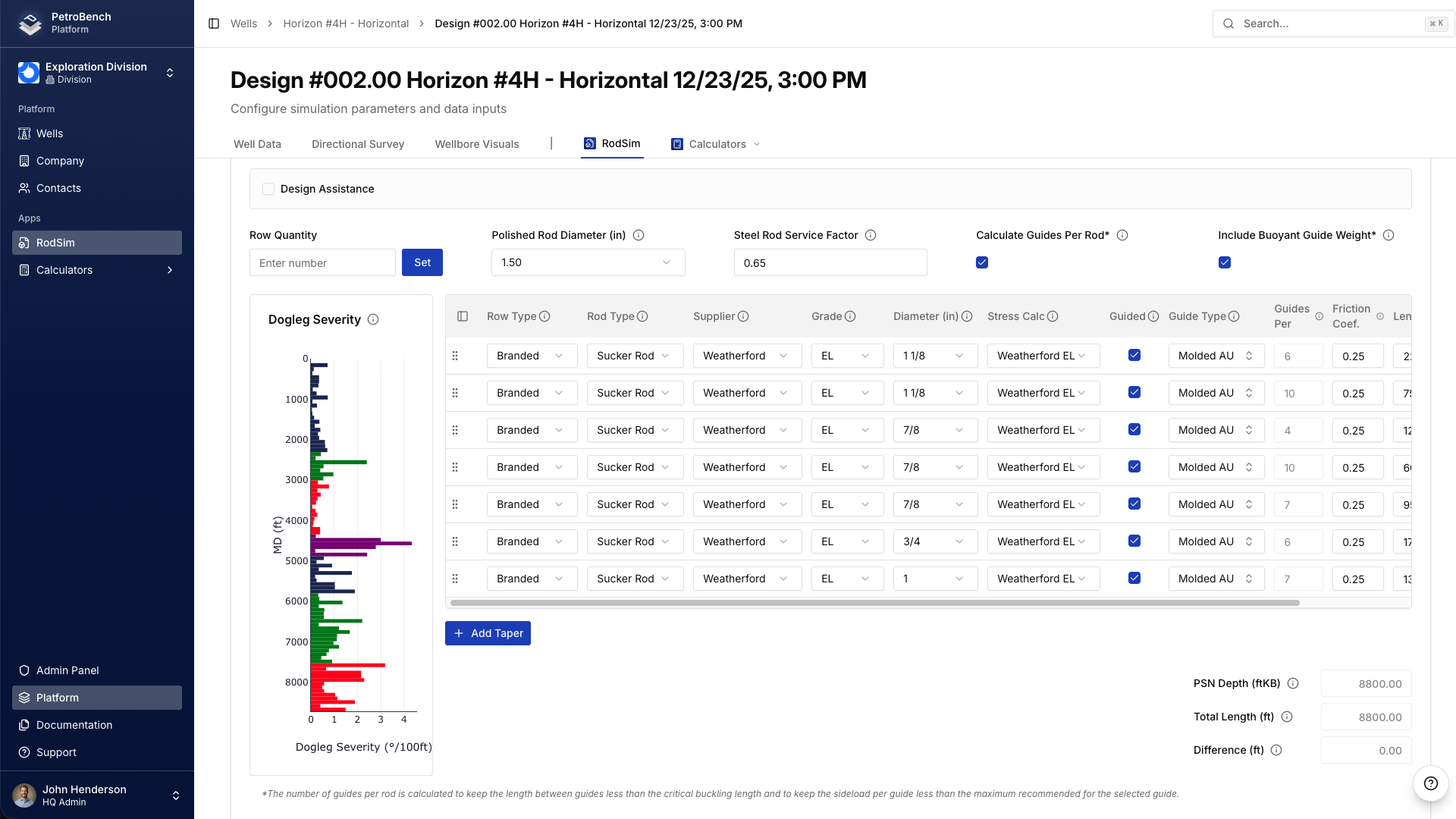
Loads follow the survey you brought in, not a coarse polyline.
Match step length to the survey so tight turns stay in the model.
Compare cases in one view and pick the base case.
RodSim, Dynamics, and Automated Design share wells, company context, and equipment libraries.
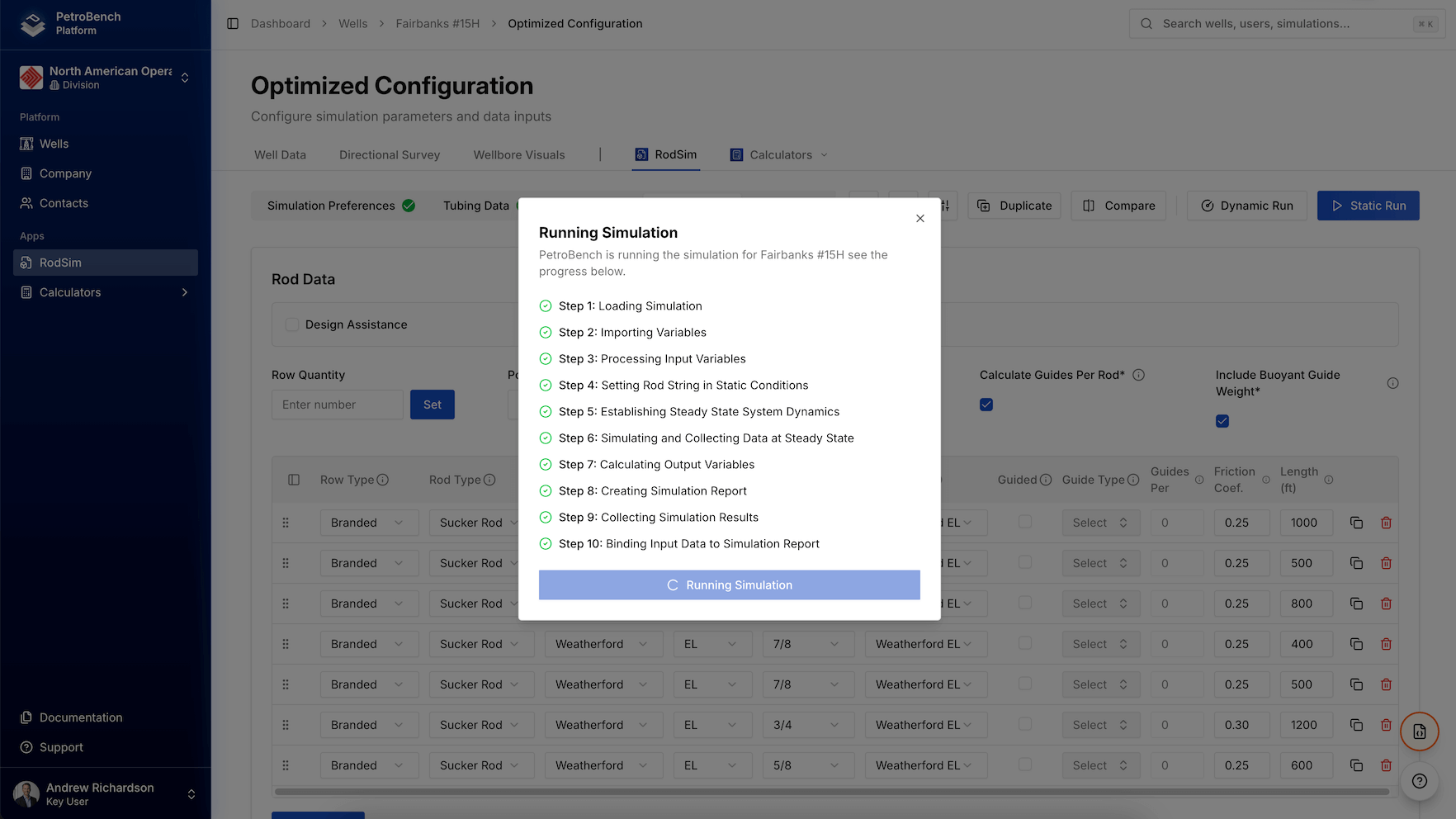
Build the rod string on the well and run it in the cloud.
Explore RodSimSweep fillage, PIP, and SPM in one parallel run.
Explore DynamicsSearch rod-lift combinations and rank the top designs.
Explore Automated DesignDesktop tools fit one engineer at a desk. PetroBench adds share, comment, and review on the same well.
Recommended designs go to the team that owns the well
Notes stay on the well record for the next engineer
Same well, same designs, no conflicting file copies
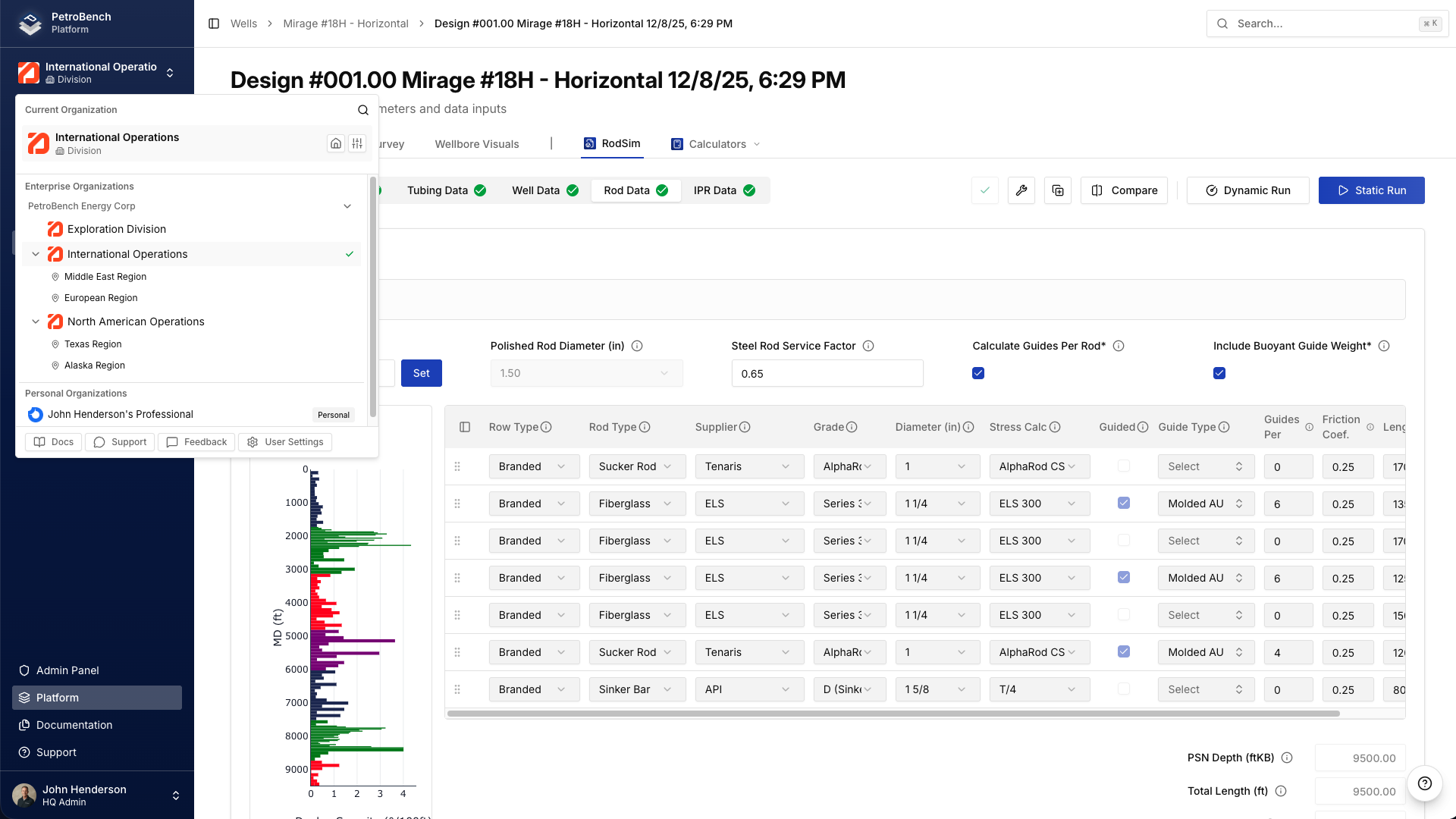 Group / Region share
 Vector reads, simulates, and drafts on the same well record in RodSim. Live-well writes stay behind guardrails until you approve
Reads and sims on the well you have open
Same rod-lift engine as RodSim
Live-well writes queue for engineer review
What production engineers ask before a pilot.
During pilot, engineers run the same wells side by side in PetroBench and your desktop tool. Inputs and outputs stay on the well record so the team compares what they already know before they commit.
Yes. Bulk import handles the common legacy formats so existing well files and rod strings come in without rebuilding. Native connectors to Snowflake, Databricks, and WellView keep the rest of the data flowing.
Yes. Pilots run side by side with your current desktop workflow. Engineers compare the same wells in both tools before the team commits to PetroBench as the design workspace.
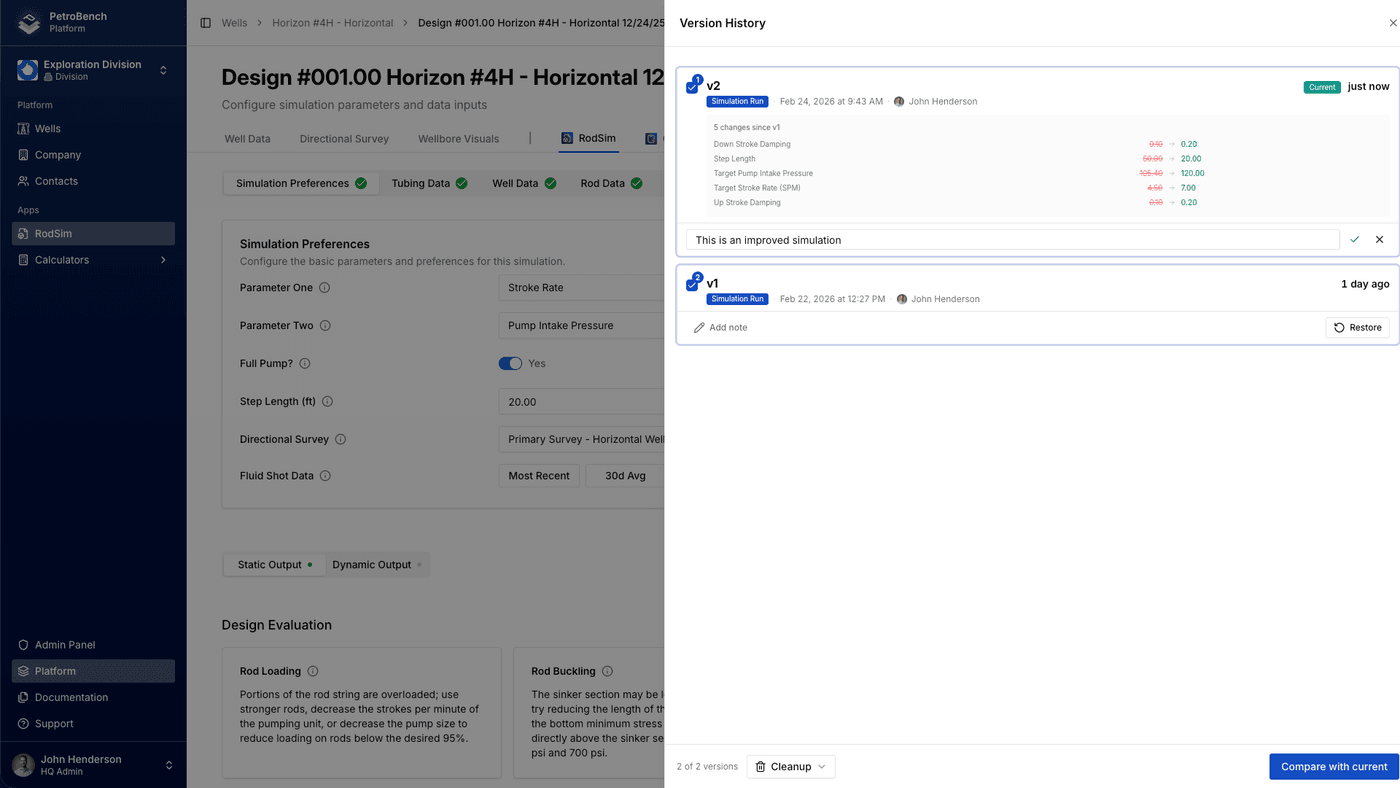
Each simulation and recommended design stays on the well record with its inputs and outputs. Engineers open prior versions, compare side by side, and see who changed what, without hunting email attachments.
Yes. Set the base case and export the report from the well record. The recommended design stays in the workspace so operations and the next engineer open the same version.
More questions? Contact Us
Start with a well you already design. Import it, run RodSim, compare side by side, and pick the base case.