




Fits the Stack You Run
SSO and SCIM through your IdP. Lake connectors and legacy import. Full audit. MCP when your AI program is ready.
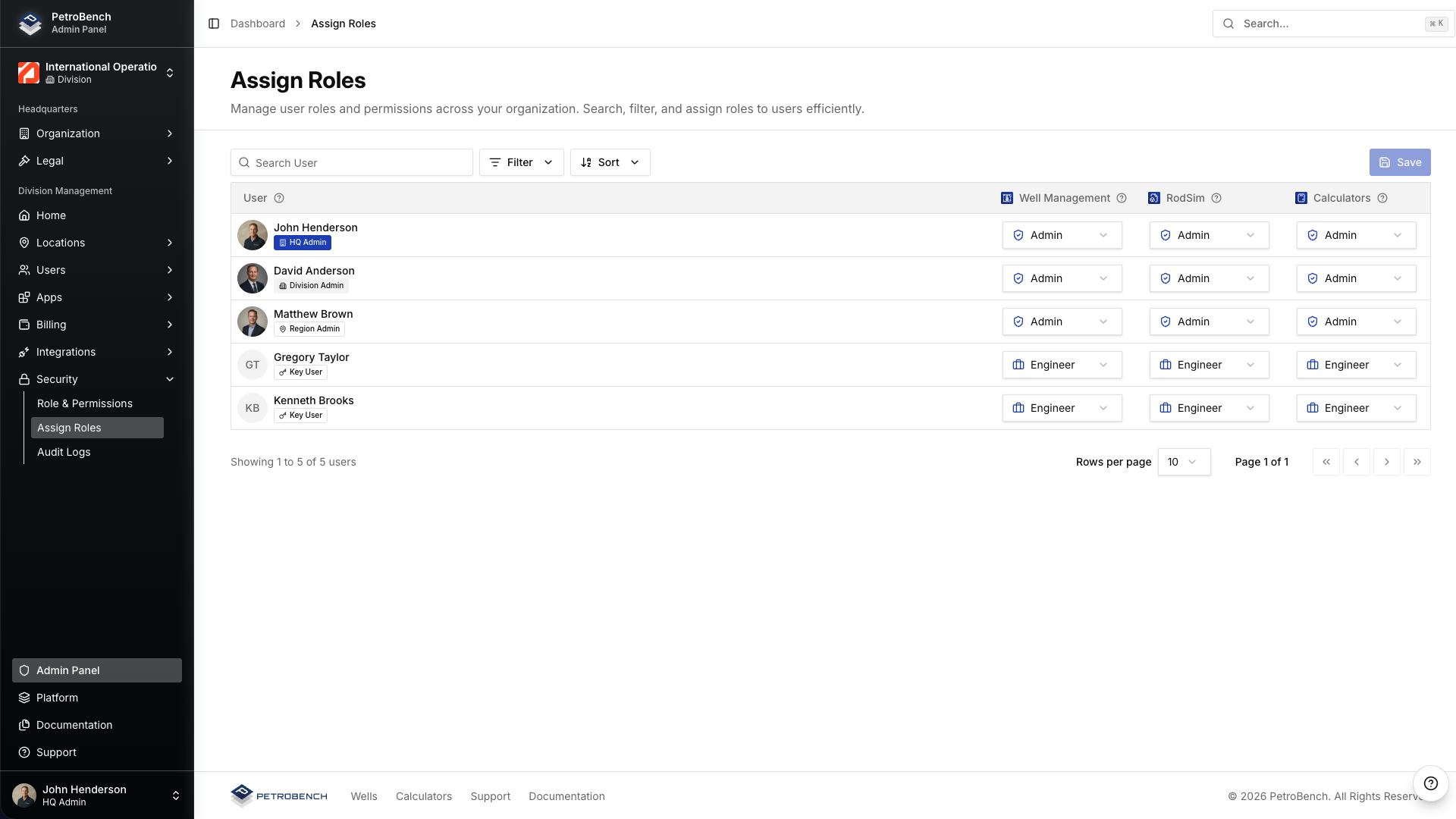
Every Action Lands in the Audit Log
Simulations, agent runs, role changes, and approvals, recorded with who did what and when. One trail for auditors. No second logging system.
Identity and access
Logins, role changes, and permission updates.
Simulations
Simulation inputs and outputs on the well record, with who ran the sim and when.
Agent approvals
Vector inputs, outputs, and engineer sign-off in one trail.
Connect the Lakes. Import the Wells
PetroBench pulls from the systems that already hold your wells. No rebuild before the first sim.
Lake Connectors
Wells, surveys, and production into a simulation in one fetch.
Legacy File Import
Bulk import desktop files. No rebuilding every string by hand.
Same Roles and Scopes
Connectors run under the org roles IT already controls.
-
 Snowflake
 -
 Databricks
 -
 Azure
Azure -
 AWS
AWS -
 WellView
Your IdP Stays the Source of Truth
Engineers sign in with credentials IT already manages. No second user directory.
Single Sign-On
SAML 2.0 and OpenID Connect through the IdP you run.
SCIM Provisioning
New hires get accounts. Removing a user revokes access.
One Directory
IT keeps one source of truth. PetroBench reads from it.
- Microsoft Entra ID
-
 Okta
Okta -
 Any SAML or OIDC IdP
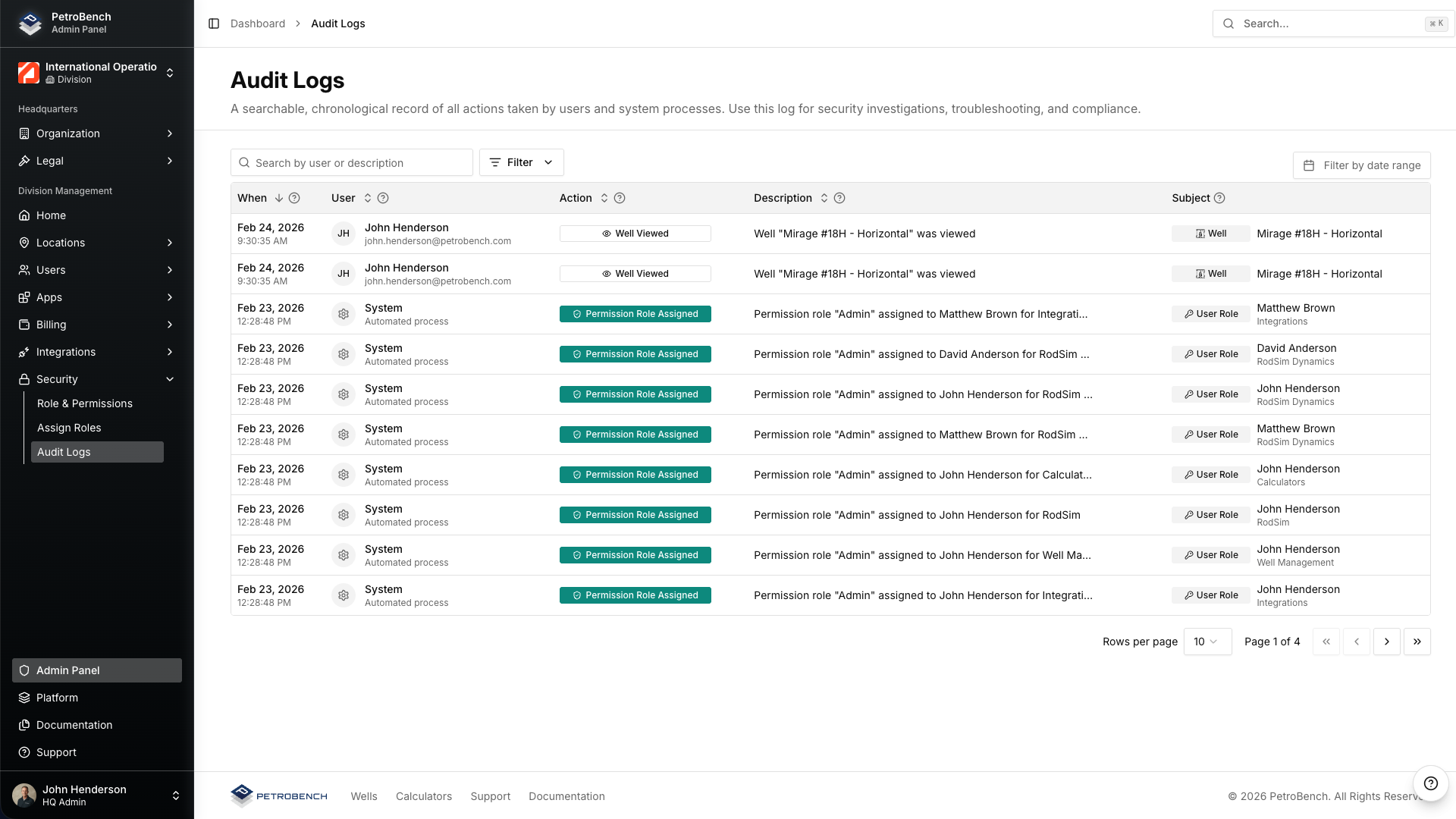
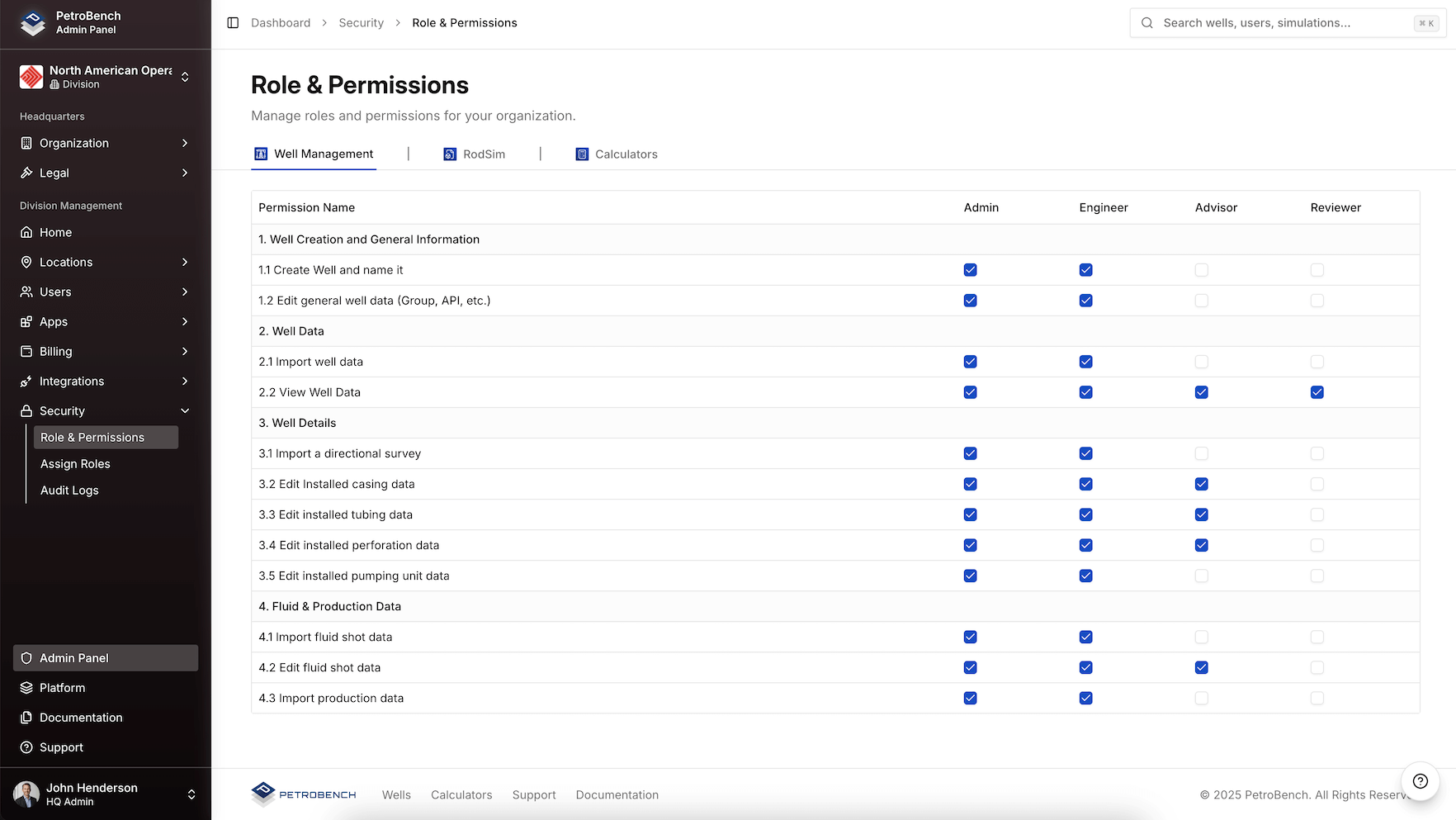
Role-Based Access Per Product
Define who can view, simulate, edit, and approve, by product and by place in the org tree.
Per product
Separate permissions for RodSim, Dynamics, Automated Design, and Vector.
Per org level
HQ, division, region, and group scopes who can view, edit, simulate, and approve.
Recorded changes
Role assignments and denied access land in the security log.
One Engine. Three Surfaces
One credential and one set of scopes. Pick the surface that fits how your team works.
Vector
Ask on the open well. Vector runs RodSim and drafts changes for engineer review.
Explore VectorMCP
Claude, ChatGPT, and Gemini call hosted tools on the same wells.
Explore MCPREST API
Scripts and services read wells and run sims over versioned HTTP.
Explore the APIQuestions IT Asks First
What platform owners ask before approving a rollout.
PetroBench federates through your identity provider via SAML or OIDC. SCIM provisions and deprovisions users automatically. Role-based access scopes mirror your org tree. Every action lands in an audit log.
Your data stays in your PetroBench cloud tenant with organization-level isolation. Wells, simulations, and audit records remain inside your boundary on multi-tenant cloud infrastructure.
Yes. Roles attach to your org tree: HQ, division, region, and group. Engineers open only the wells and products their role allows.
SCIM deprovisioning revokes their PetroBench access when you deactivate them in your directory. Role changes and access events stay in the audit log.
Yes. The audit log is searchable in Admin and available for compliance review, identity events, simulations, agent runs, and approvals in one trail.
More questions? Contact Us
See PetroBench with Your IdP Connected
Walk SSO, connectors, and audit logs on a pilot well set, with IT in the room.